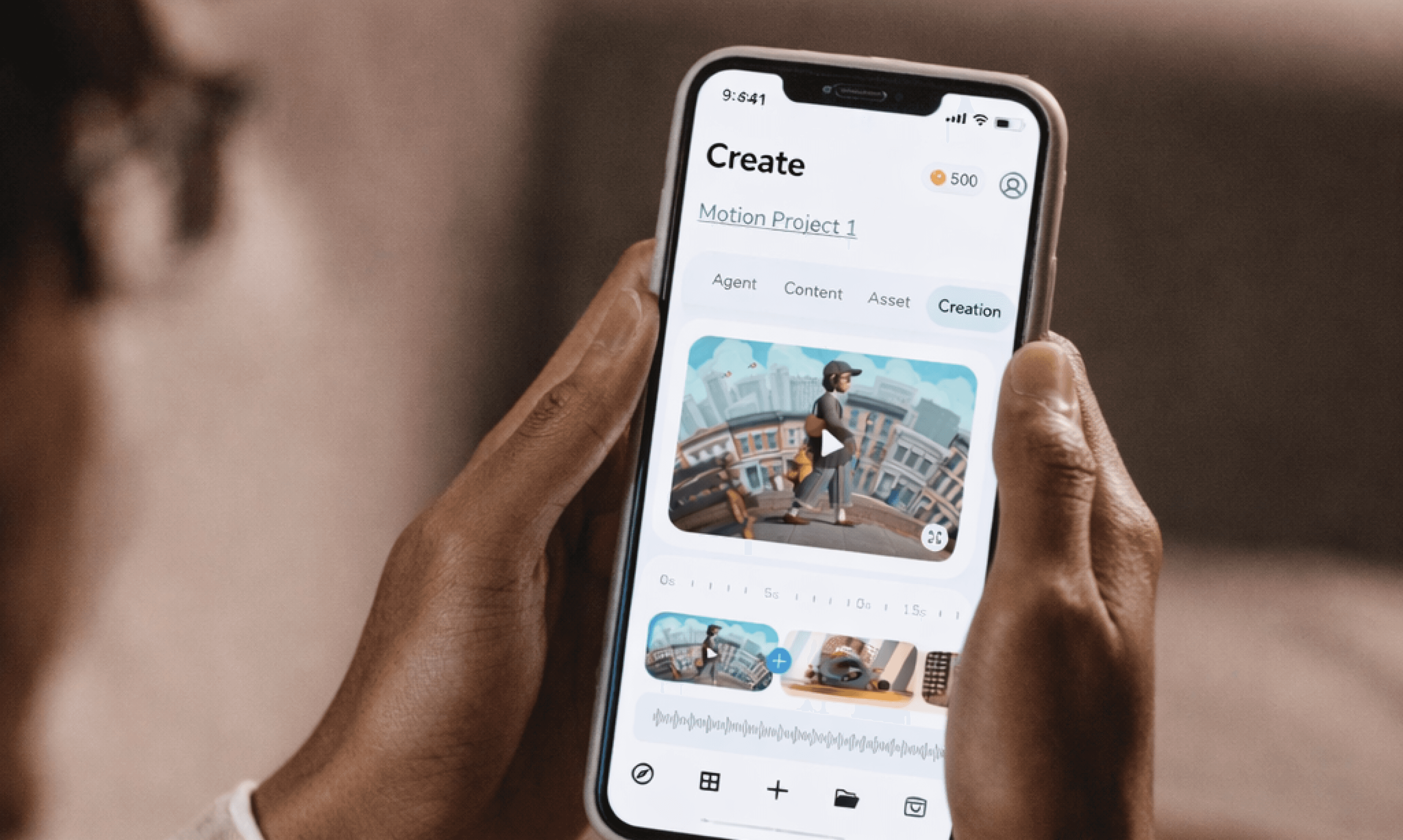
Vibe Motion Studio is a concept UX project that enables non-designers to create professional 30-second motion videos using natural language prompts, inspiration boards, and AI video generation—without learning After Effects or Rive
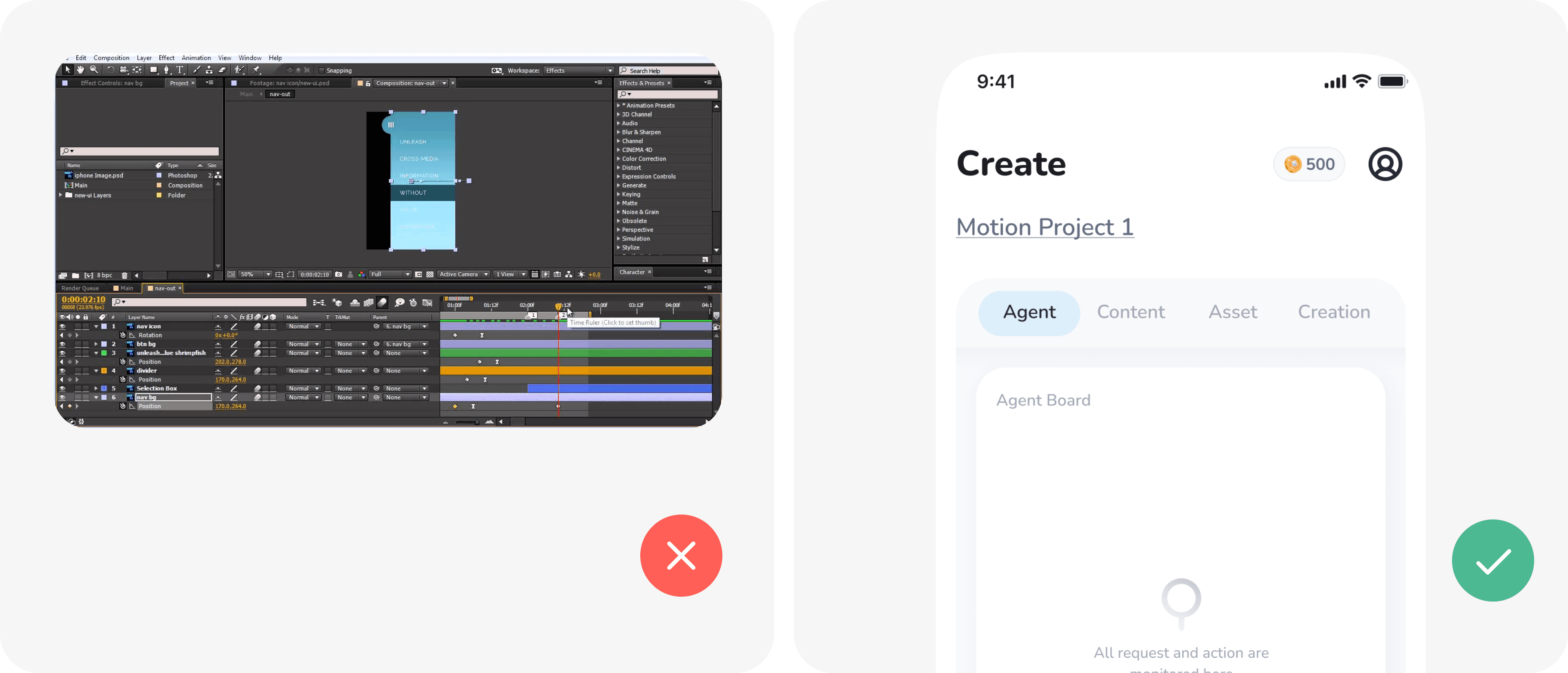
Creating motion graphics is:
Slow (3–14 days turnaround)
Expensive ($1,000–$4,000 per 30s video)
Skill-gated (After Effects, motion principles, rendering)
Template-limited (CapCut/Canva lack brand depth)
Unreliability: Pure Generative AI (Sora/Runway) often ruins brand assets, distorting logos and text.
Users know what they want — but can’t execute it.
Steep learning curve (timelines, keyframes, graphs, expressions)
High cognitive load (users must think in layers, frames, easing)
Slow iteration cycle (design → render → review → revise)
Tool-first, not intent-first (users adapt to software, not vice versa)
Not collaborative or taste-driven (no native inspiration modeling
People express creative taste better by seeing and reacting than by explaining.
This led to combining:
Swipe-based taste discovery
Board-based inspiration
Structured scene generation
Taste Modeling
Swipe-to-like/dislike interactions
AI learns visual preferences without asking users to explain
Boards influence color, pacing, transitions, and mood
No existing platform:
Converts creative intent to structured motion
Learns user taste visually
Balances AI automation + human quality control
Enables professional motion without motion skills
95% Time Reduction: From 10 hours (Pro software) to 5 minutes (VibeMotion).
Learning Curve: Mobile-first UX requires no prior video editing knowledge.
Lower cognitive load for non-designers.
70% cost reduction.
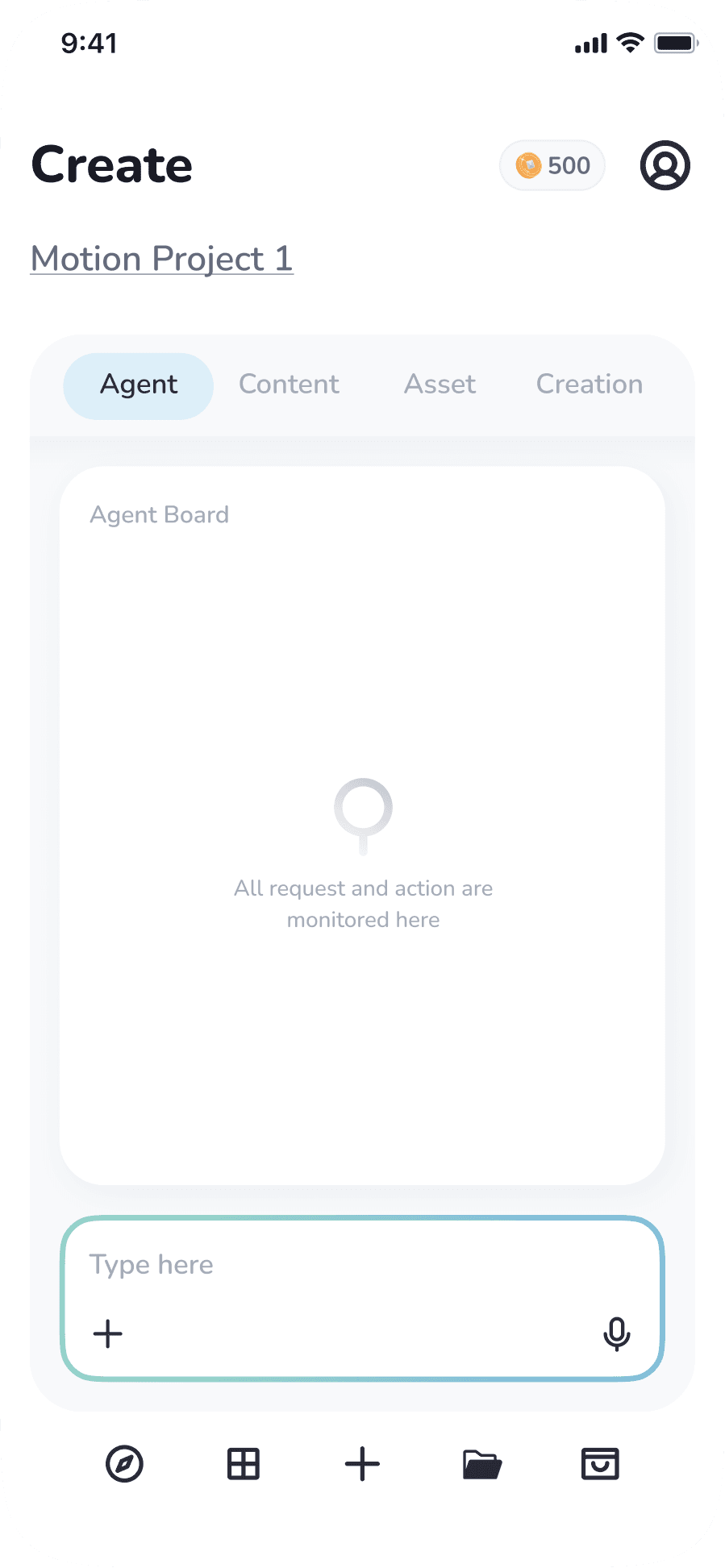
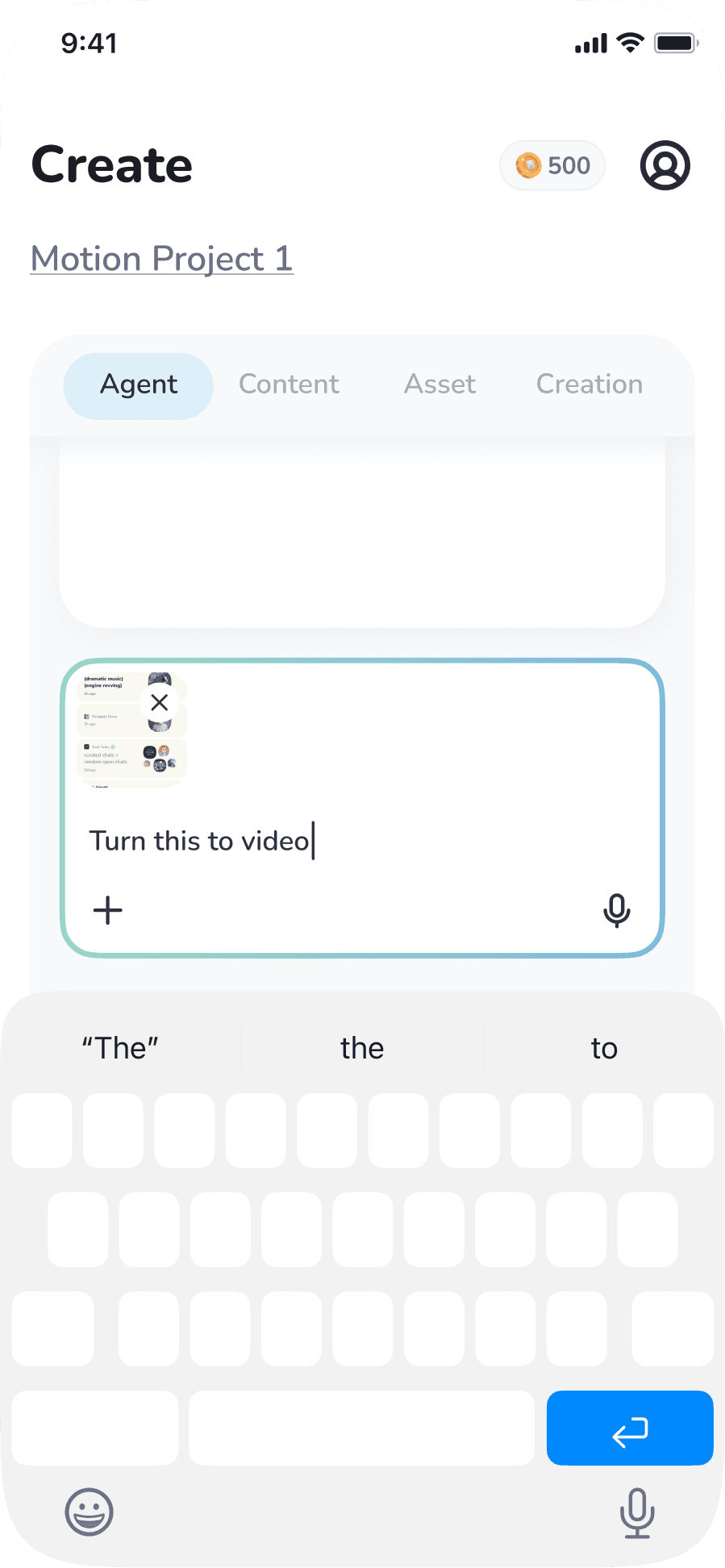
1.Prompt Input (Intent Capture)
User describes what they want in natural language:
Video goal (promo, launch, ad)
Turn an image to a motion content
Duration (e.g. 30 seconds)
The system treats this as creative intent, not final instructions.
2. AI Scene Breakdown (Storyboard First)
Instead of generating video immediately:
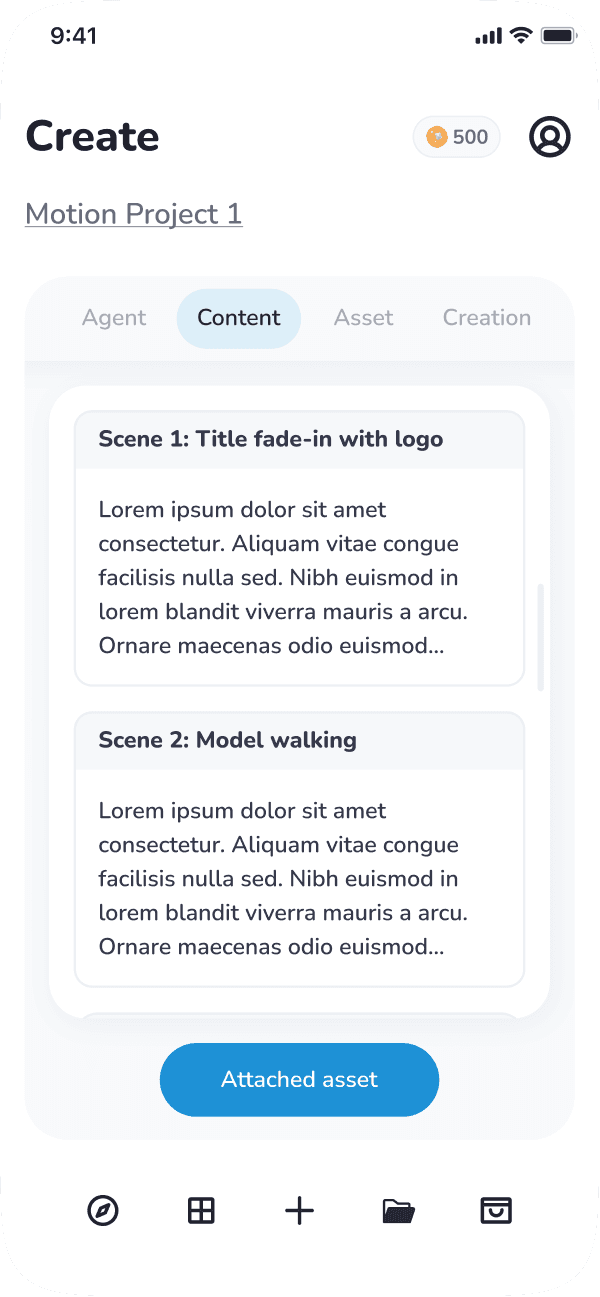
The system converts the prompt into 5–7 logical scenes
Each scene has:
Purpose (Intro, Product, CTA)
Text placeholders
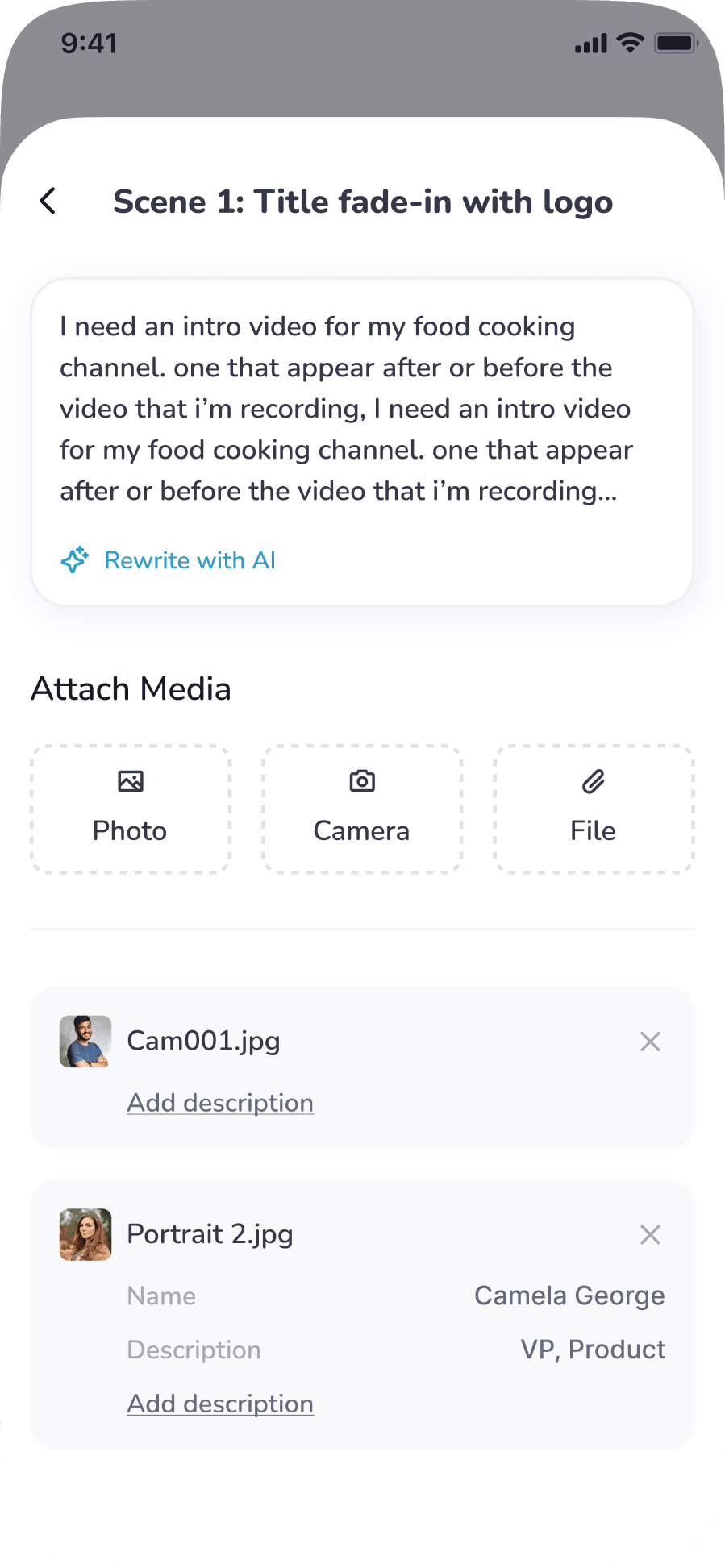
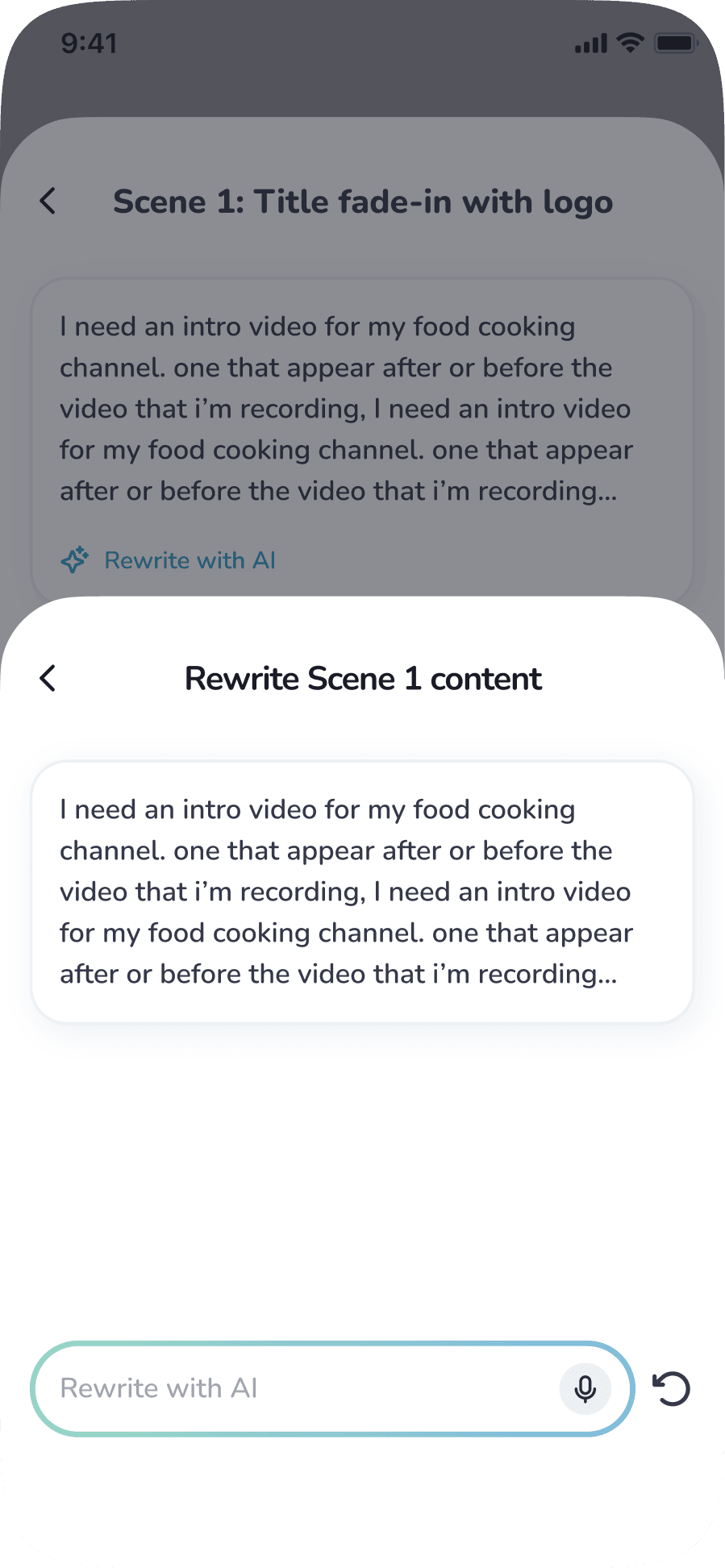
Users approve structure before visuals, reducing bad outputs and can also add media (including description).
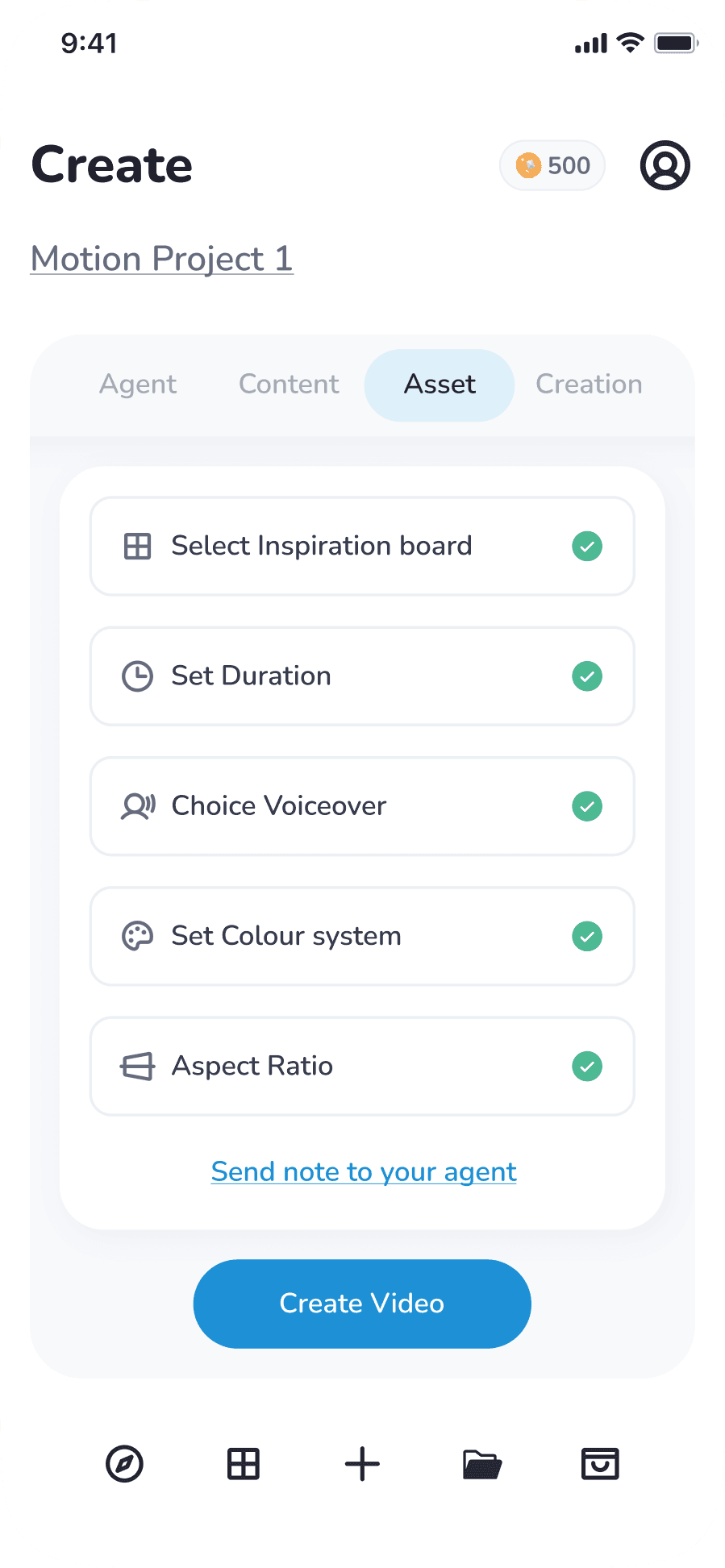
Asset Attachment
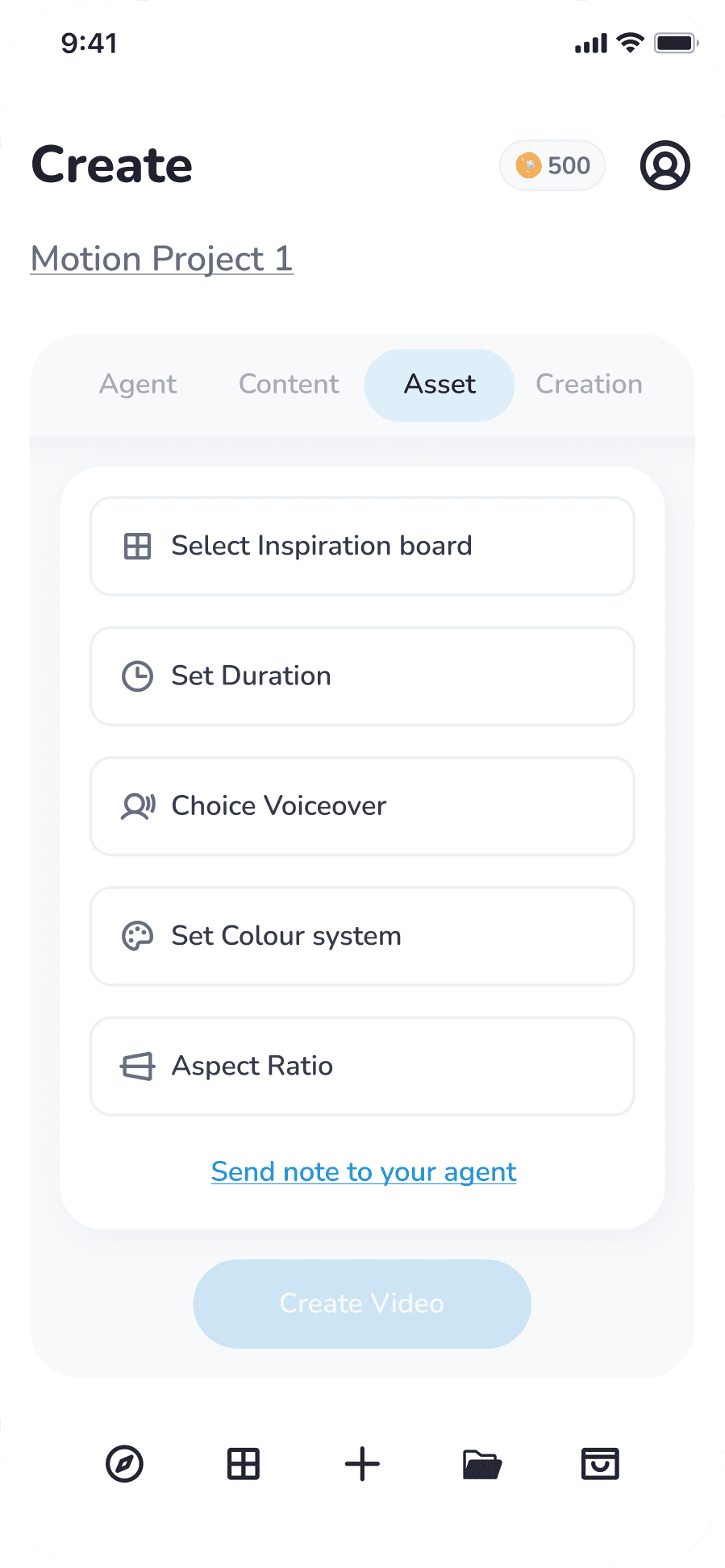
Users can add/select:
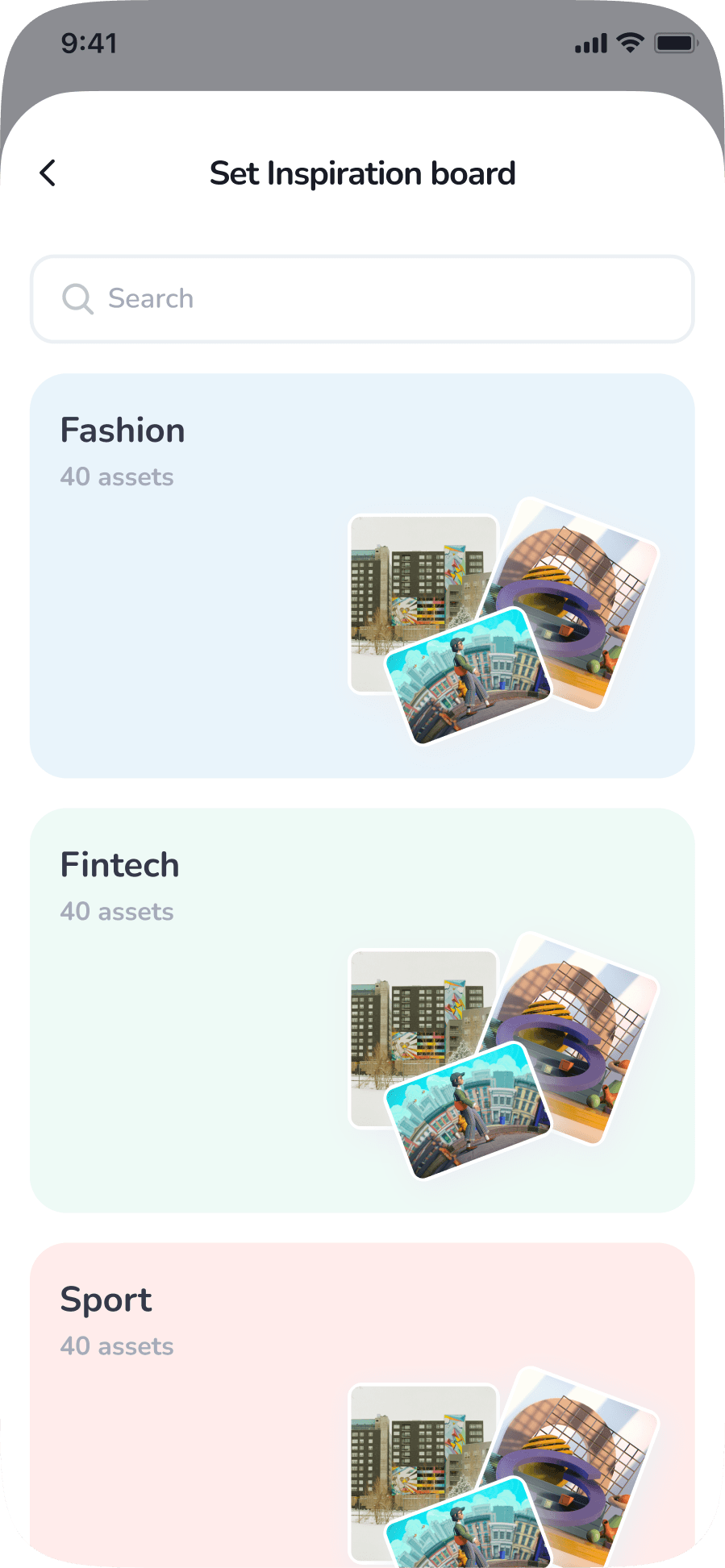
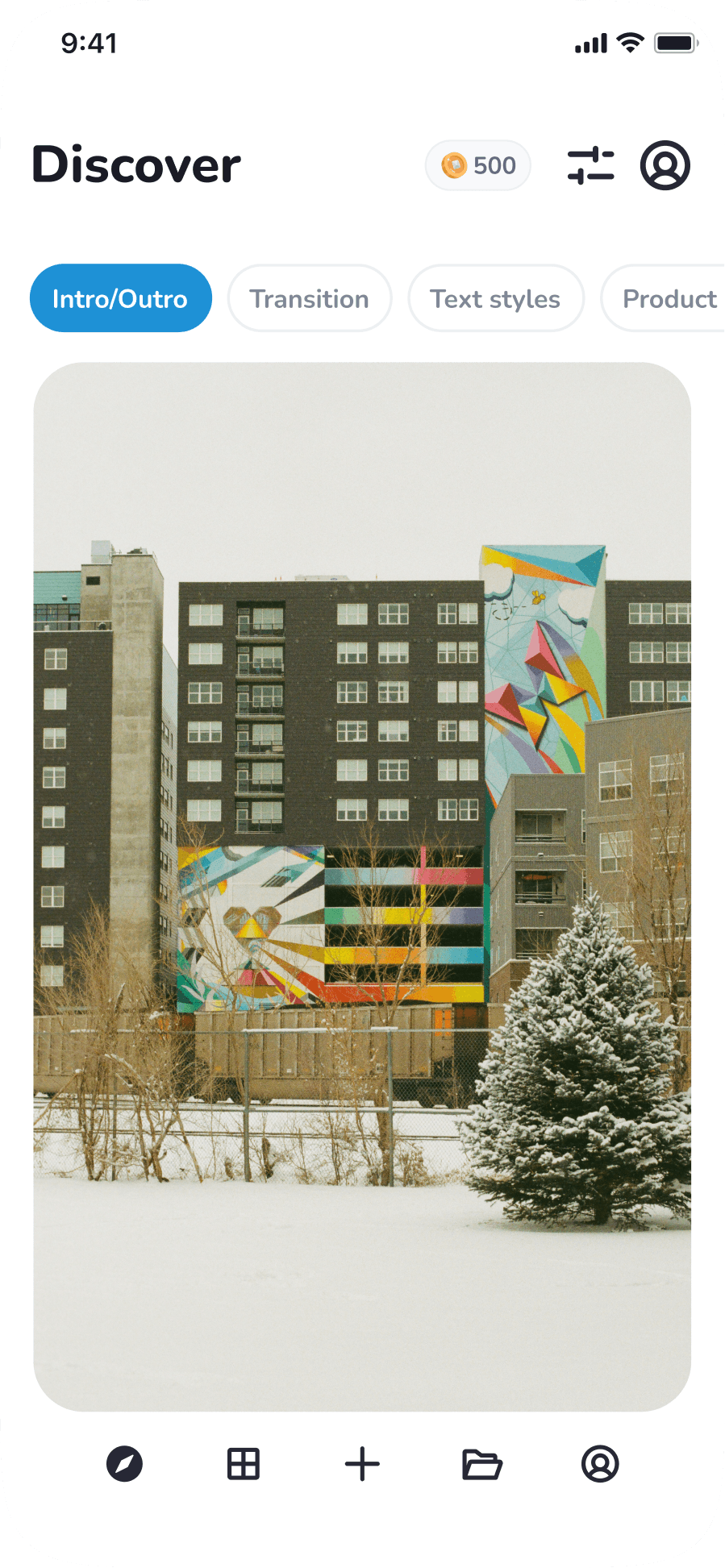
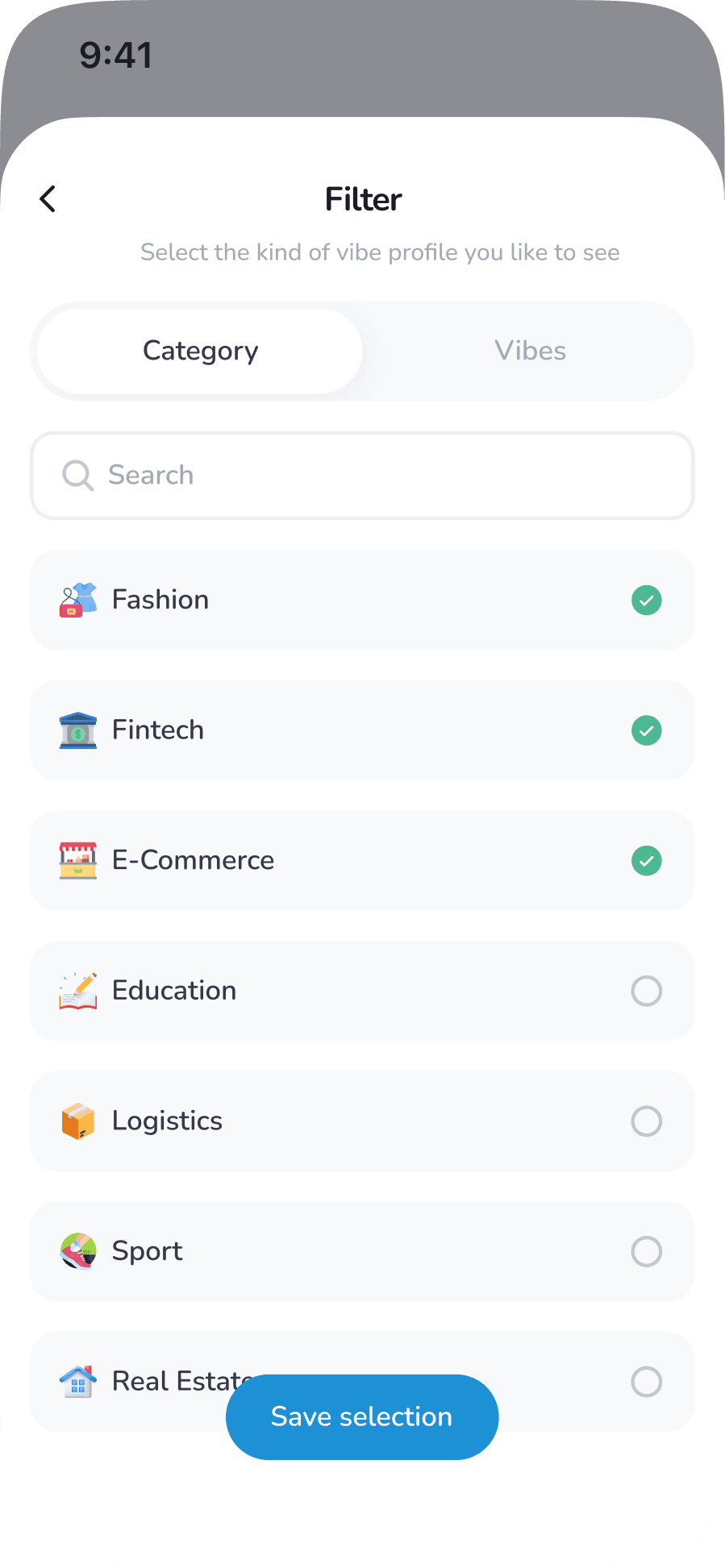
Board built from swipe interactions. Board influences: motion pacing, color intensity, transition energy, layout style
Set duration
Choice voiceover
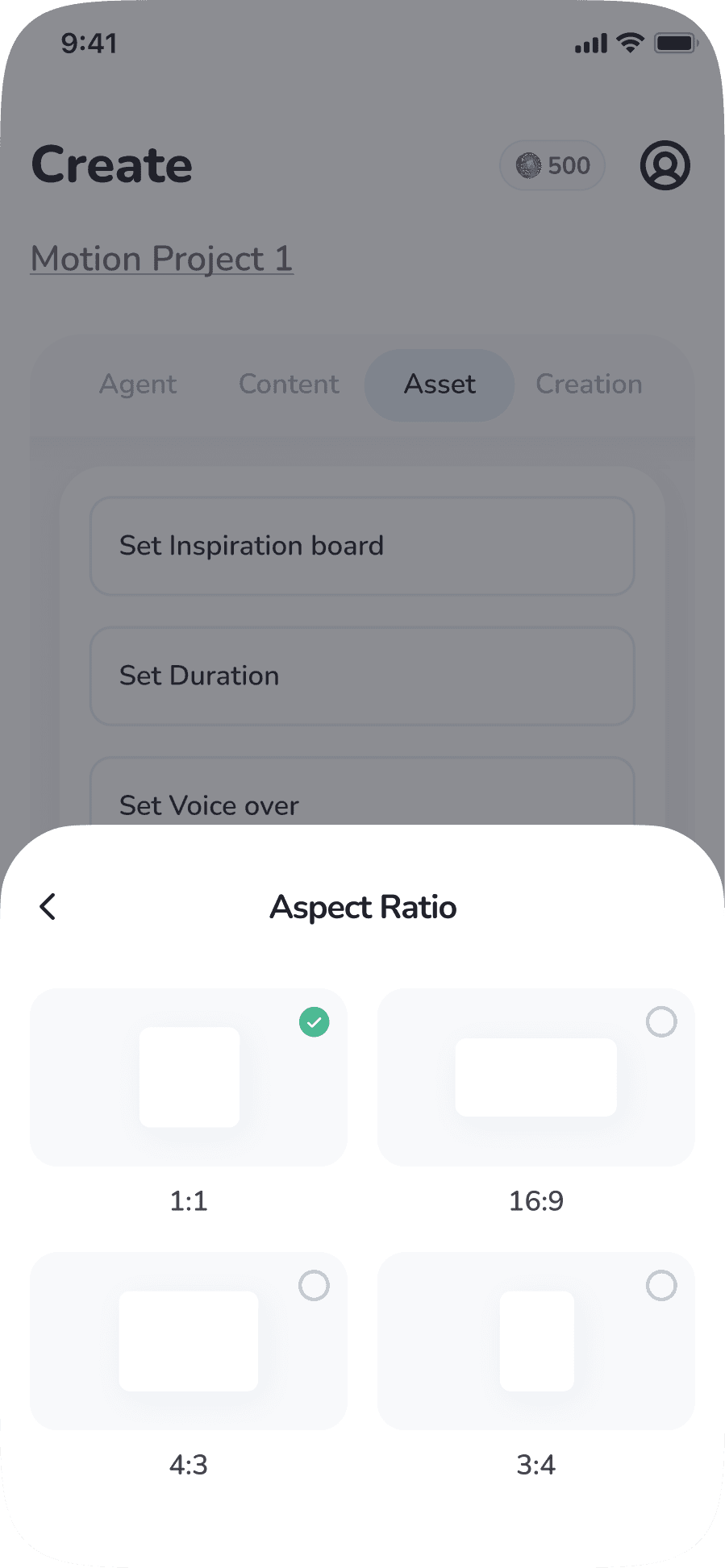
Set Aspect Ratio
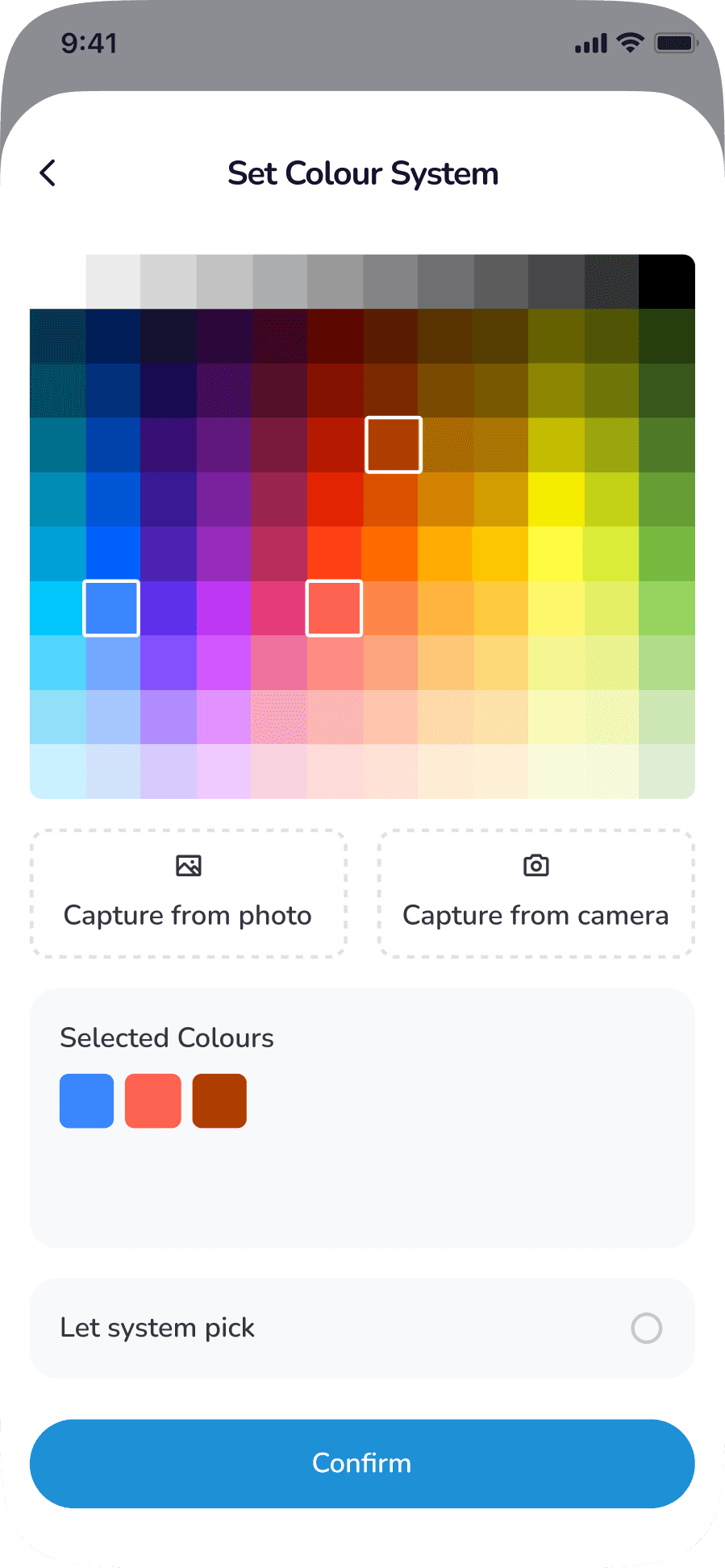
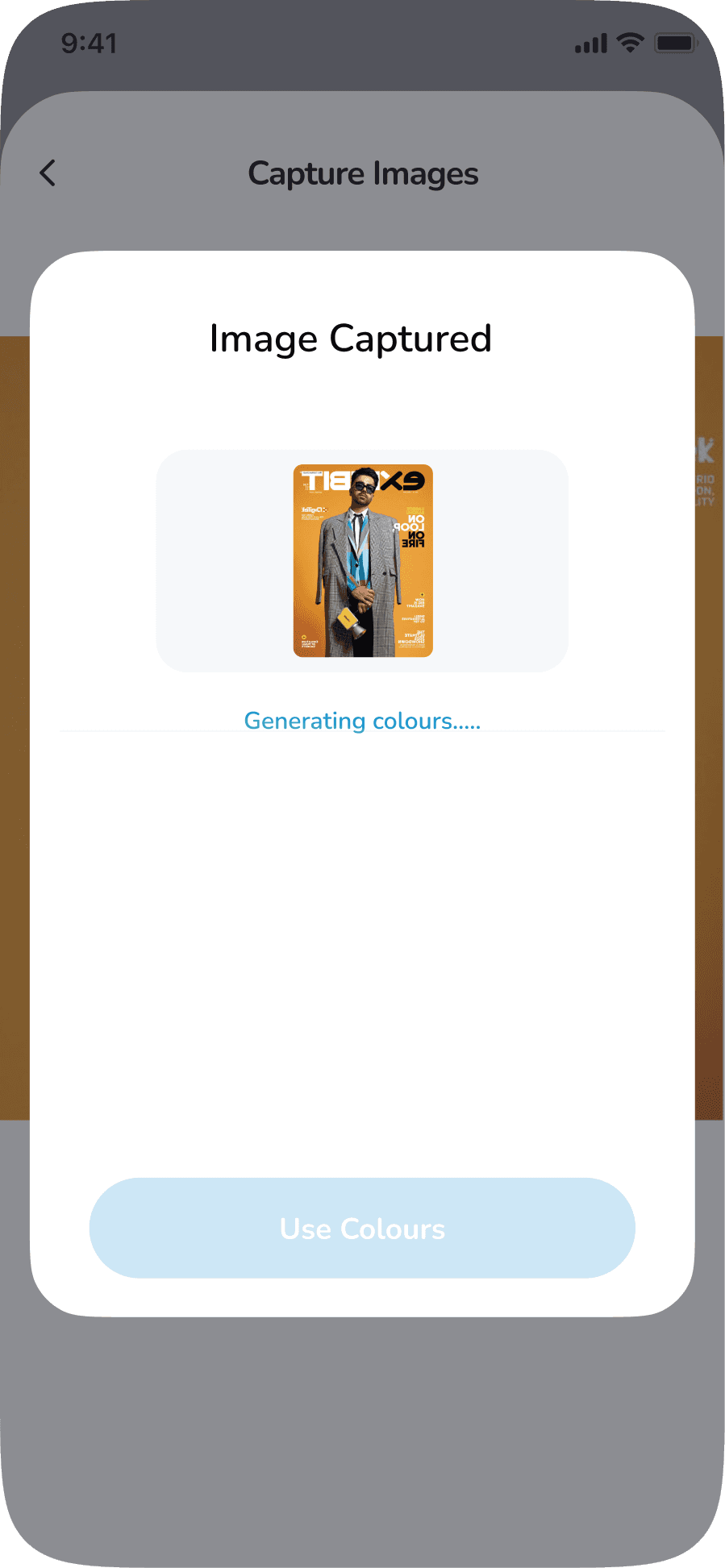
Color System
Human Review Window (Trust Layer)
30-minute wait state
Human reviewer checks:
Prompt clarity
Brand compliance
Asset fit
Prevents:
Brand misuse
Low-quality AI output
User frustration
Output
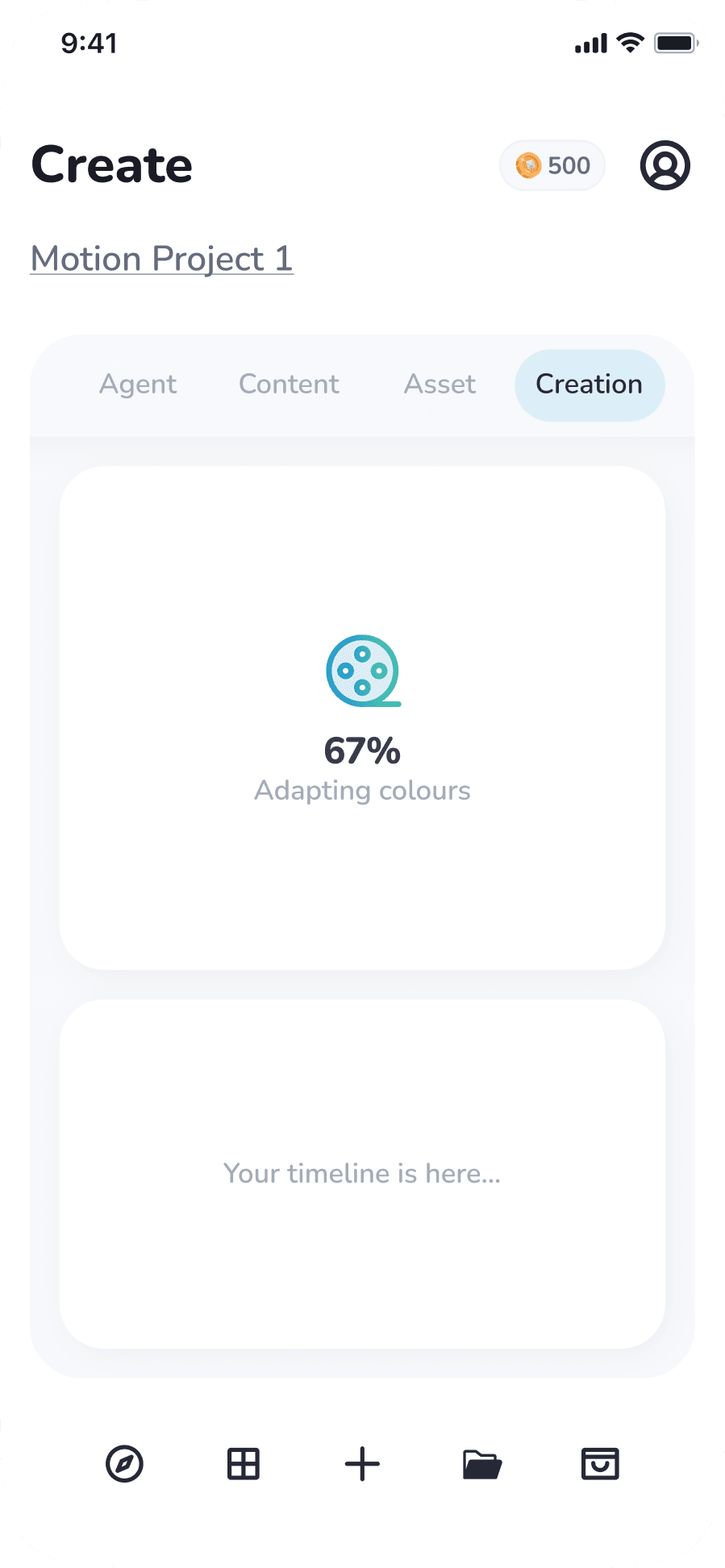
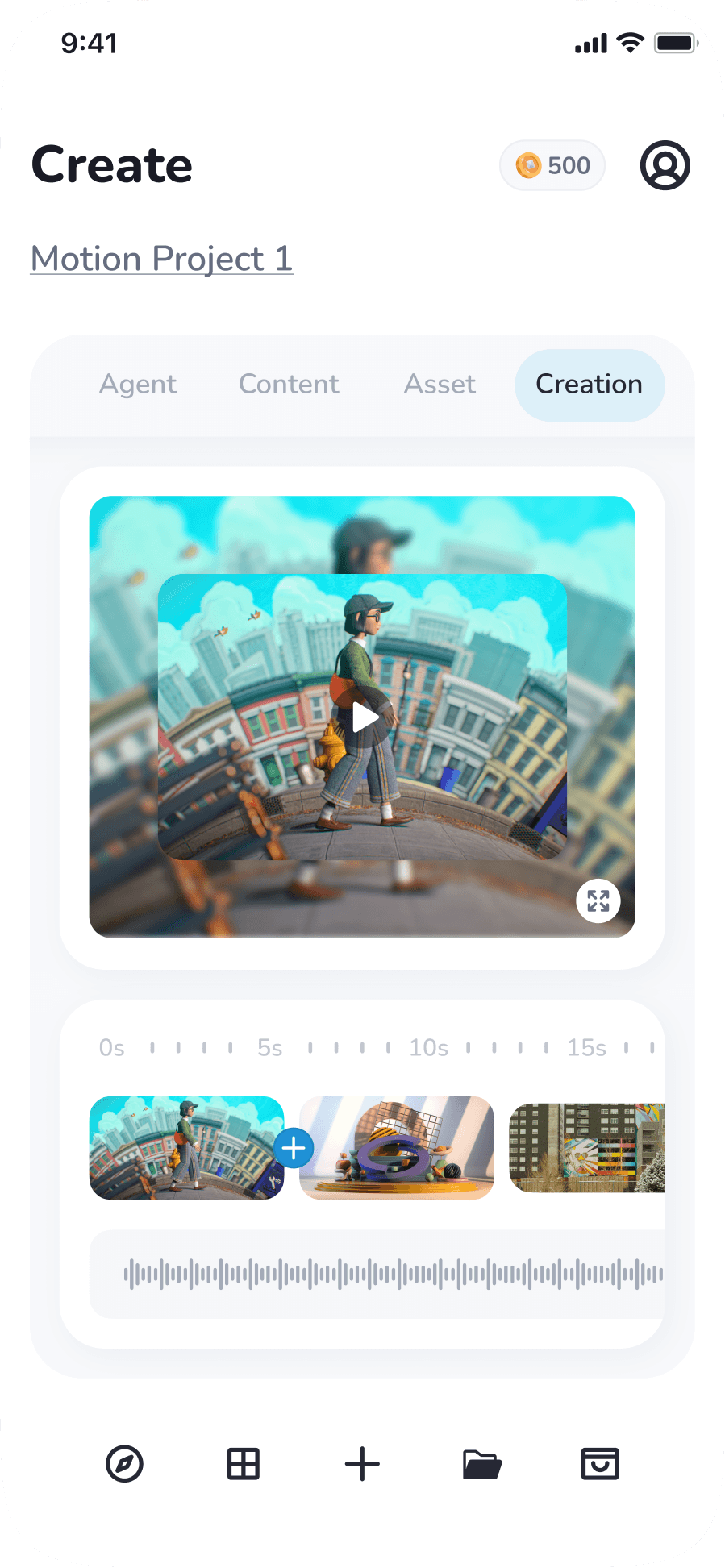
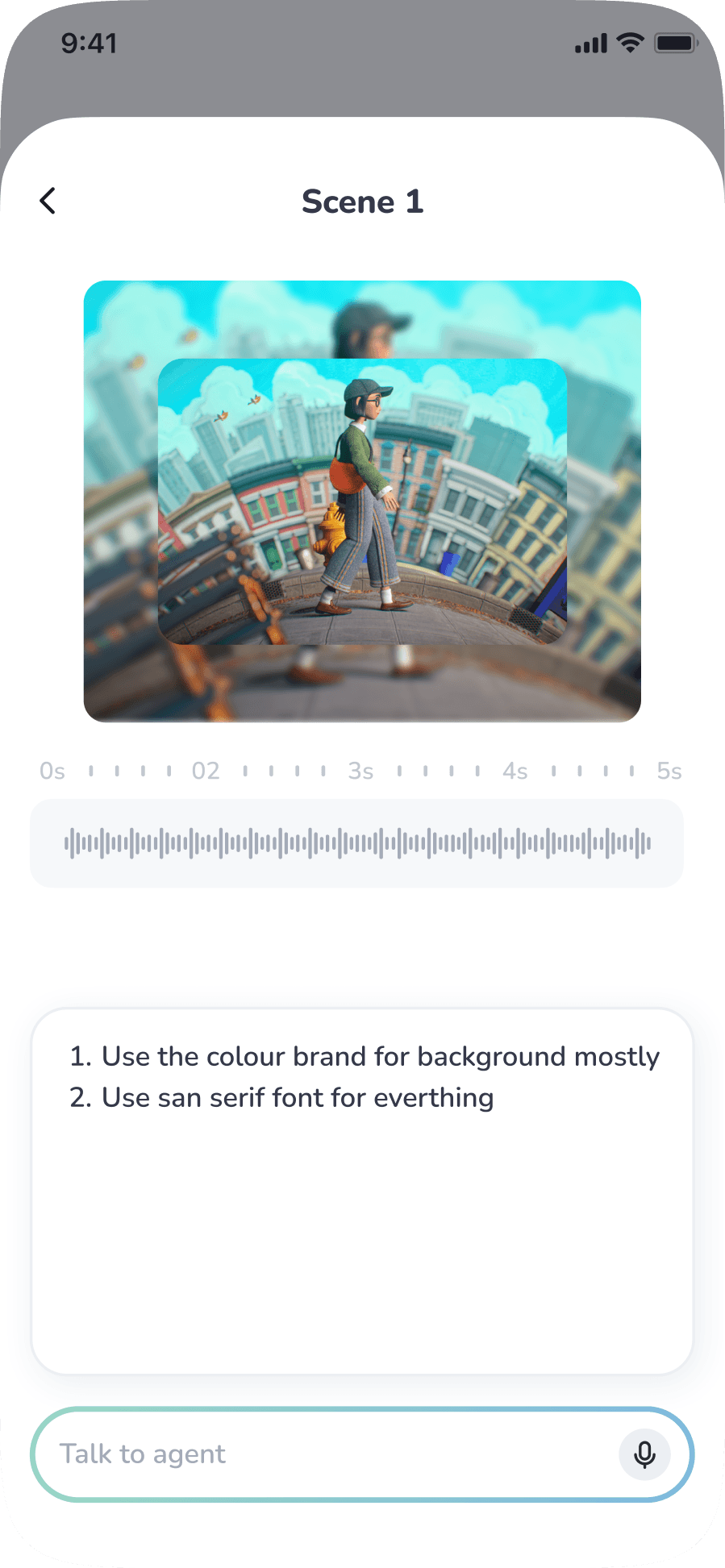
Users can find all generated motion and video content in the Creation page, where an AI agent assists them in making scene-level adjustments with ease.
Discovery page for board inspiration
Colour System
Future Iterations
Automated brand kits
Advanced taste models
After Effects export support
Enterprise dashboards
Motion designer marketplace
THE IMPACT (MVP Metrics)
95% Time Reduction: From 10 hours (Pro software) to 5 minutes (VibeMotion).
Learning Curve: Mobile-first UX requires no prior video editing knowledge.
Lower cognitive load for non-designers.
70% cost reduction.
Key Takeaway
This project explores how UX can translate human intent into complex creative output by combining:
AI
Human judgment
Taste-based interactions
Structured creative workflows